How to Transcribe YouTube Audio to Text in Chrome
Published April 30, 2026 · Browser audio transcription guide
YouTube captions are not always available, and manually replaying a video to take notes is slow. Audio to Text Converter lets you record the current browser tab and convert YouTube audio, course audio, webinar audio, or meeting playback into editable text.
Quick answer
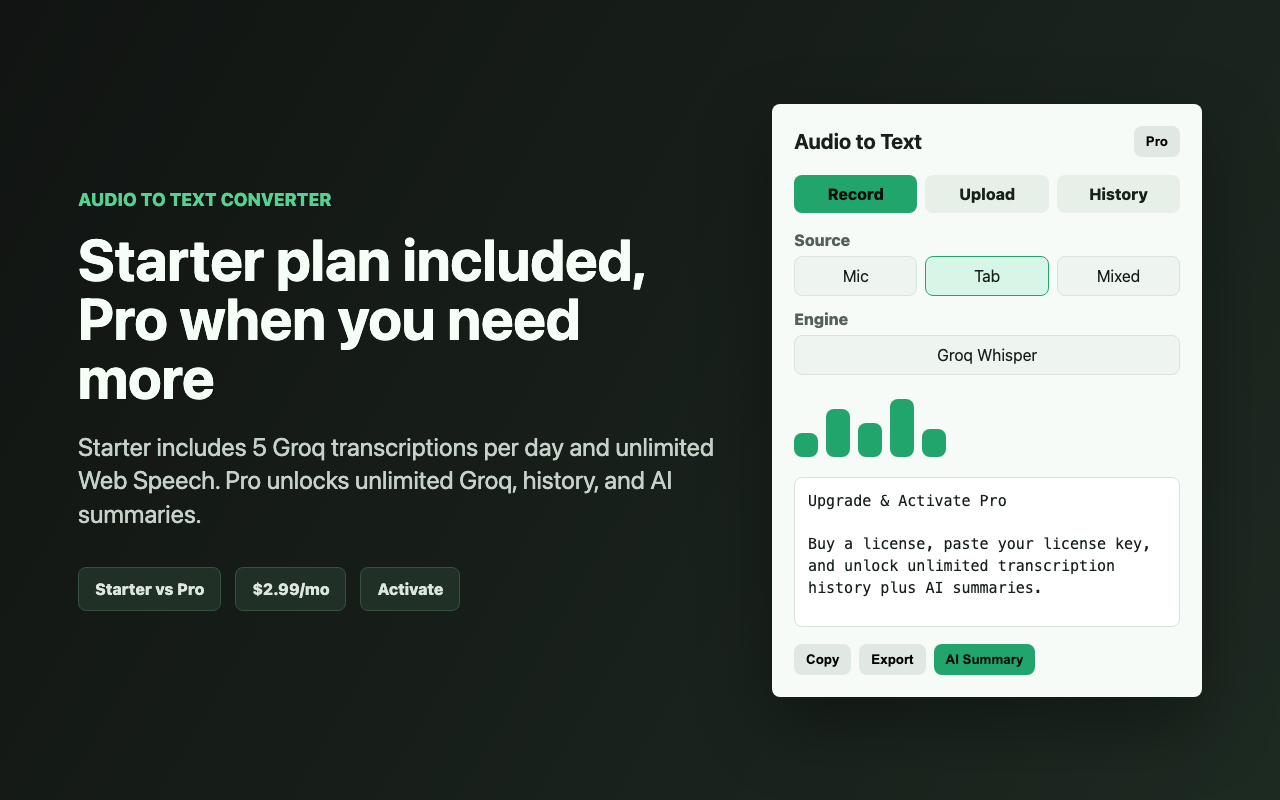
Open the YouTube video, click the Audio to Text Converter extension icon, choose Tab Audio, select Groq Whisper or Web Speech, then click Start Recording. The side panel keeps the video audible while recording and shows transcript text. After stopping, you can edit, copy, export, or summarize the transcript.
1. Open the video or audio page
Start with the tab that is playing audio. This can be YouTube, a course platform, a webinar replay, or another browser-based player.
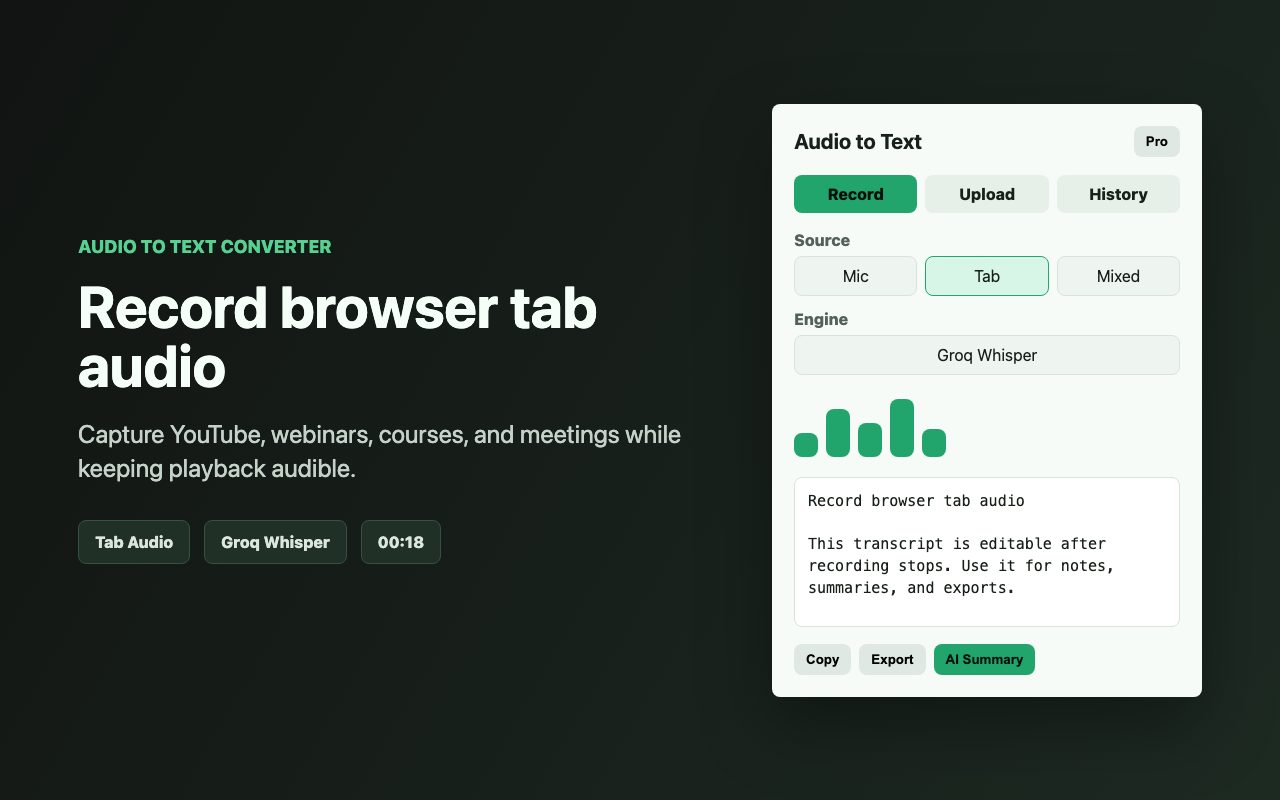
2. Choose Tab Audio
Open the extension side panel and select Tab Audio. Use Mixed Audio when you also want to capture your microphone, for example when narrating over a playback recording.
3. Pick a transcription engine
Groq Whisper is best when accuracy matters. Web Speech is best when you want unlimited live transcription without sending recorded audio to Groq. Free users get 5 Groq transcriptions per day and unlimited Web Speech transcription.
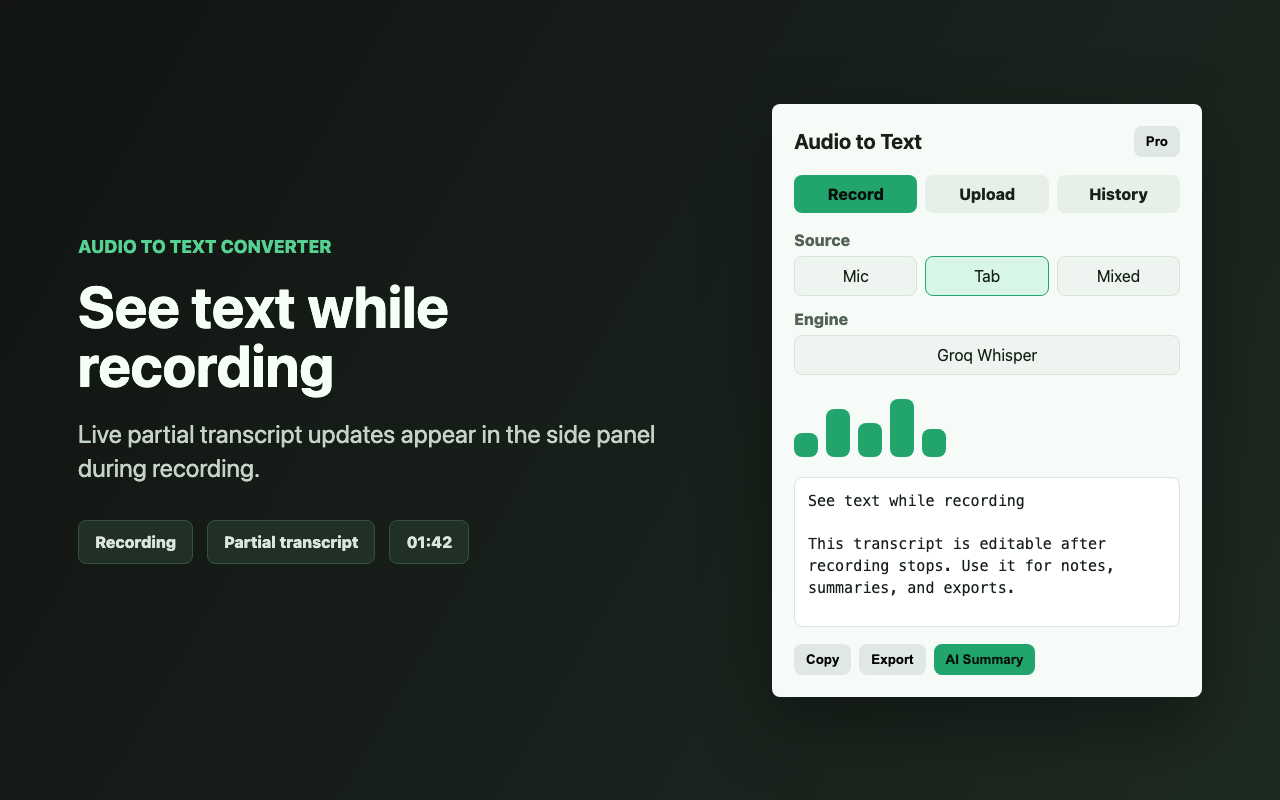
4. Stop, edit, and export
After you click Stop, the transcript box becomes editable. Fix names, punctuation, or section headings directly in the side panel, then copy the text or export a TXT file.
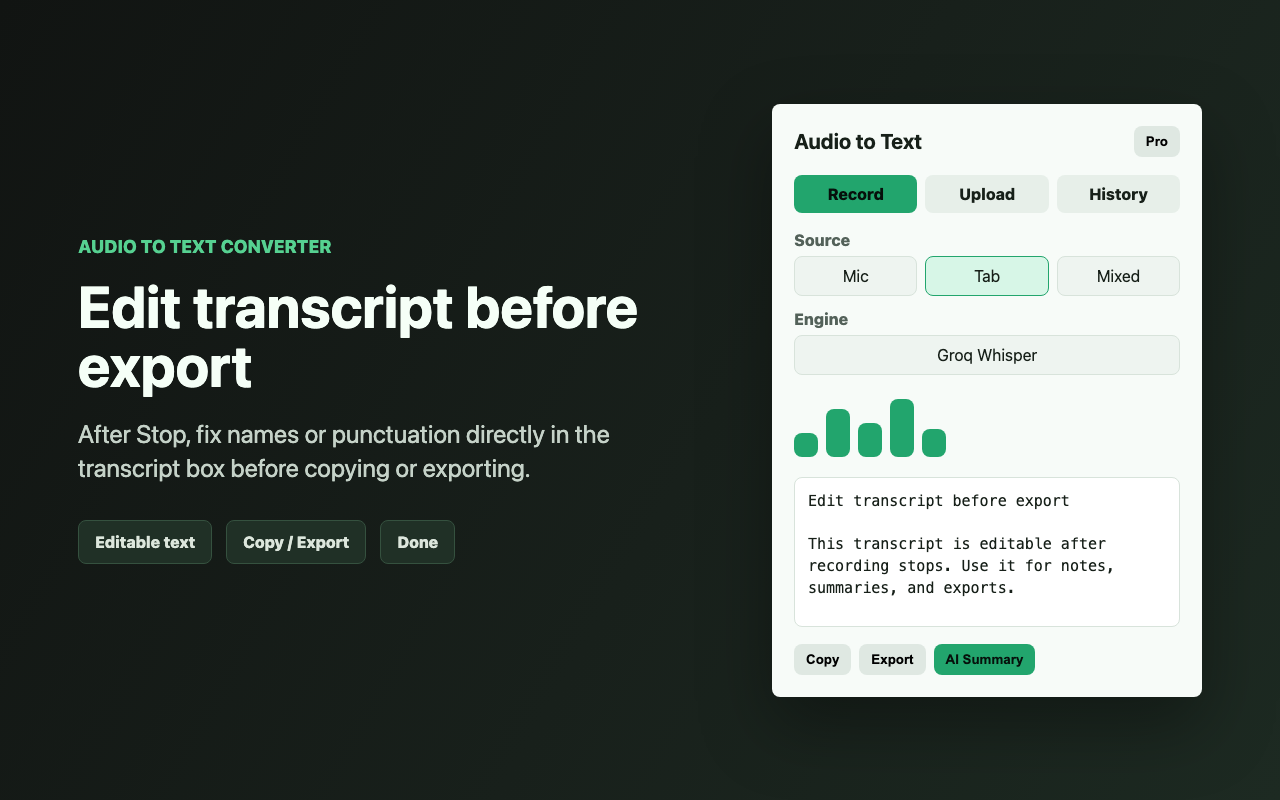
5. Summarize long transcripts
Pro users can generate AI summaries for meeting notes, study notes, or key points. The summary uses the AI endpoint and API key configured in Settings.
Free vs Pro
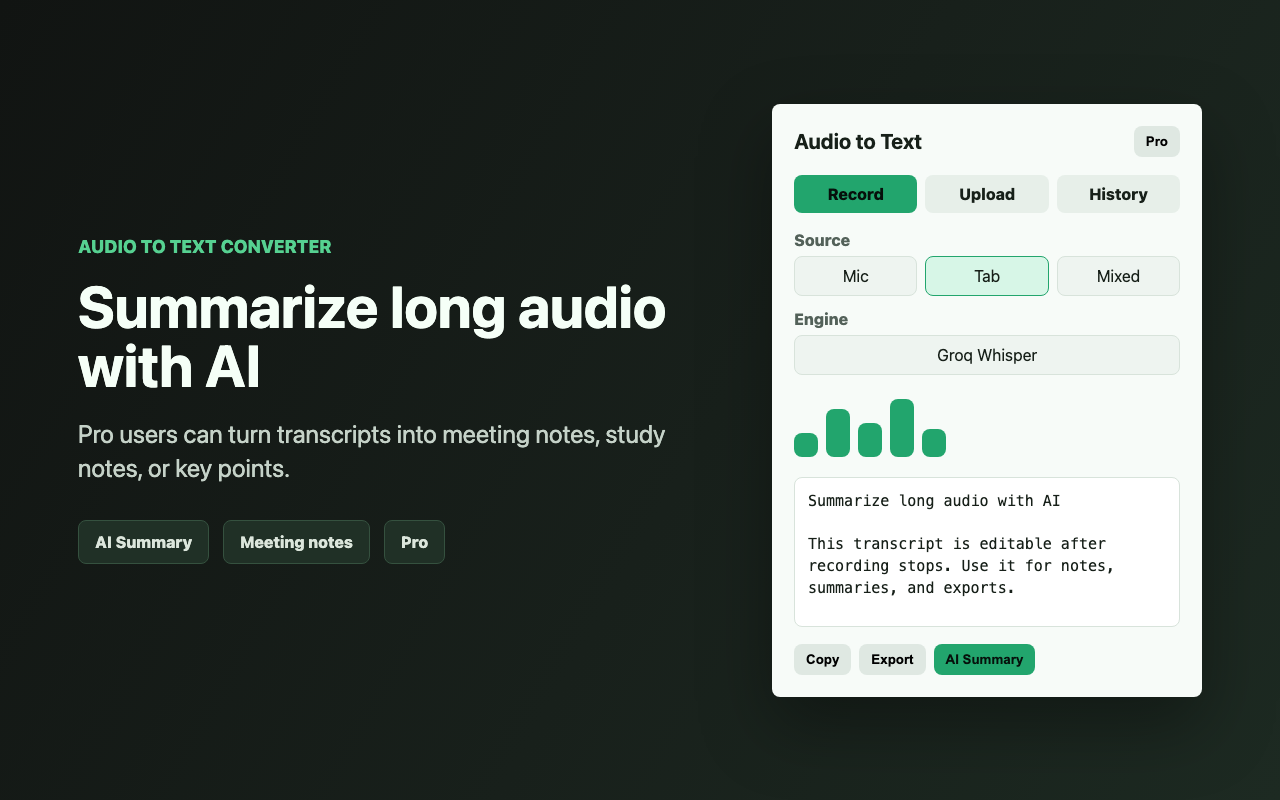
Free is designed to be useful: 5 Groq transcriptions per day, unlimited Web Speech, and the 5 most recent history items. Pro is for heavier workflows: unlimited Groq transcription, unlimited history, and AI summaries.
Privacy notes
Web Speech is handled by the browser. Groq Whisper sends audio to Groq with your saved Groq key. History is stored locally in your browser. AI Summary sends transcript text only when you click AI Summary and only to the endpoint you configured.